DJAP – Open-Source DJ Audio Processor
A free Windows loudness and dynamics processor for DJs and producers. Two independent stereo decks on ASIO® (or WASAPI / DirectSound / MME), matching loudness with EBU R 128 / BS.1770 presets, a VST®3 plug-in, and offline WAV rendering — all under GPL-3.0.
Watch: DJAP in three minutes
Before and after, loudness presets, EQs, analysis, Setup, Windows sound and the plug-in.
Open on YouTube · privacy-friendly embed (youtube-nocookie)
What DJAP does
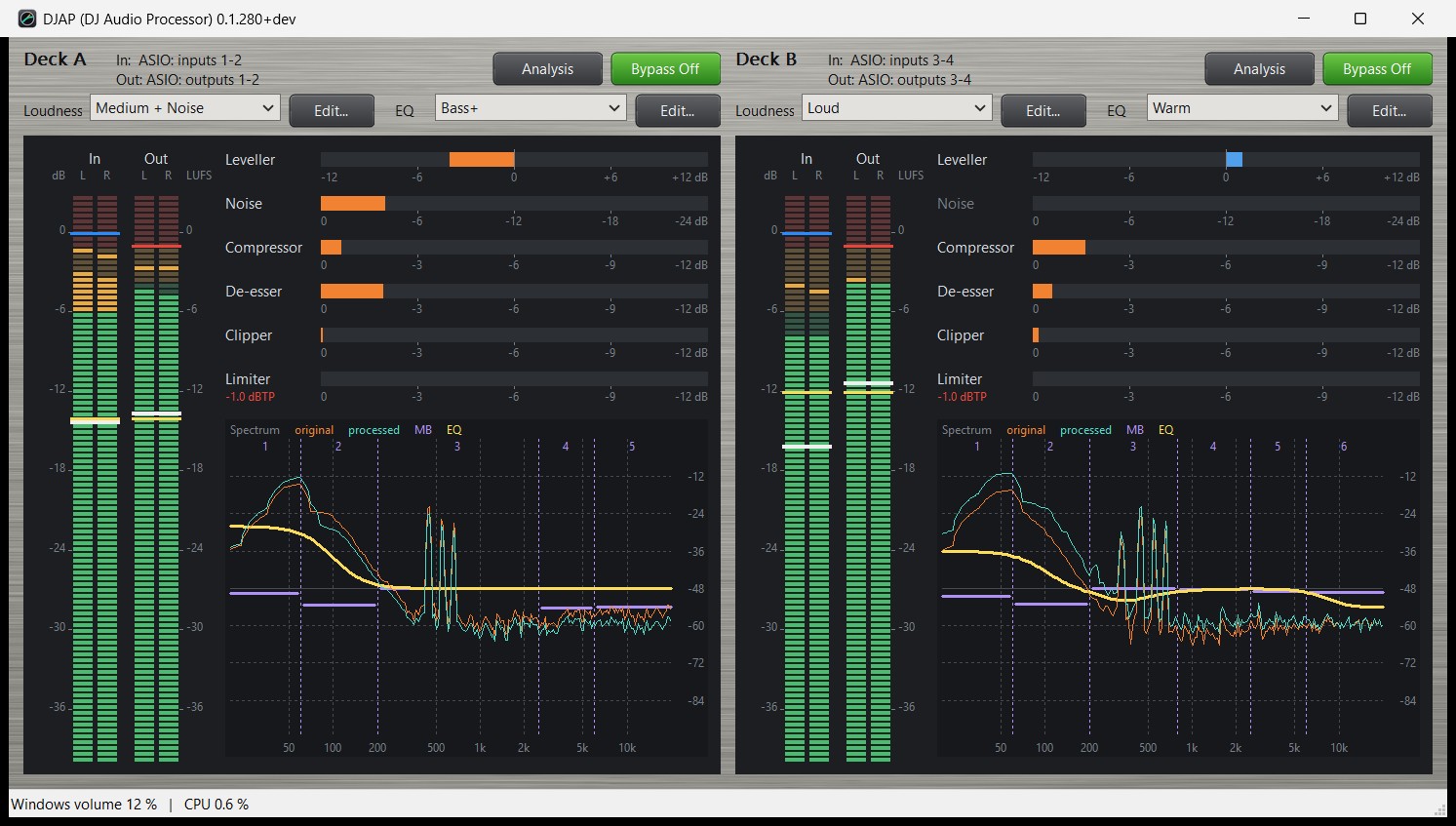
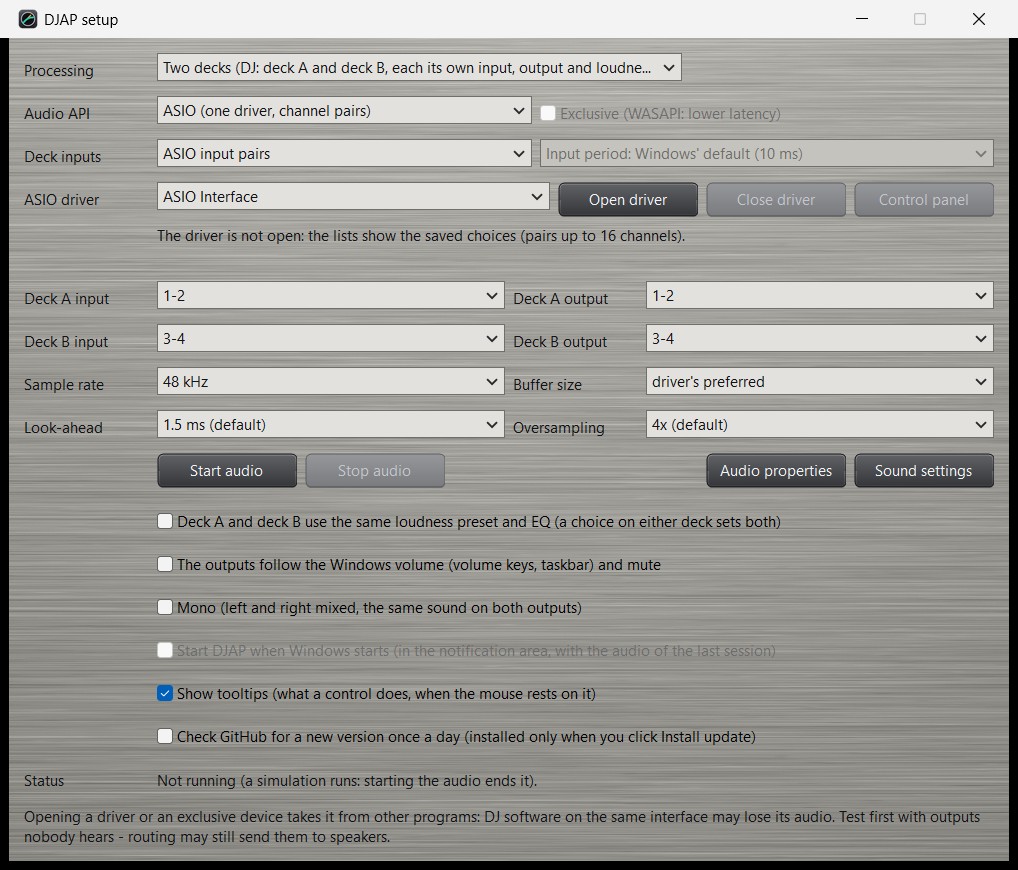
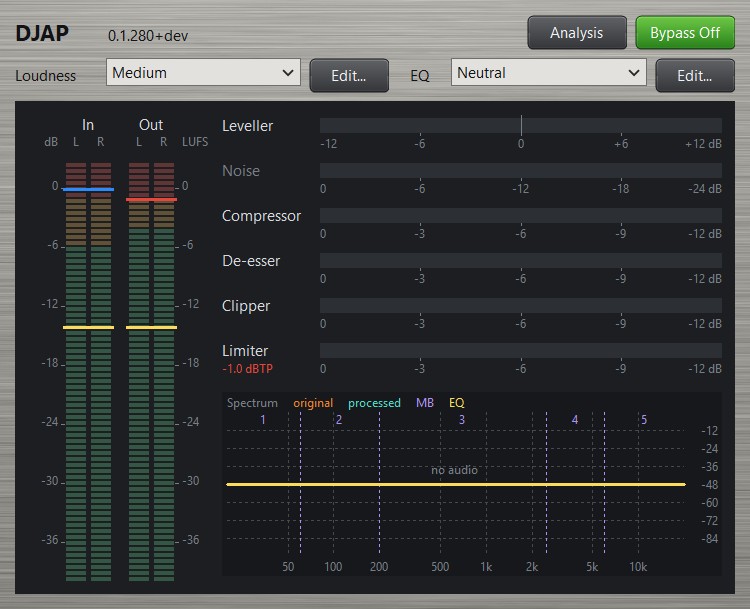
For DJs, deck A and deck B each run their own processing chain with their own preset and leave on their own output pair. Other Windows users can run one stereo channel (Setup → “Processing”). A VST3 plug-in brings the same chain into DJ software, one deck per plug-in. The same code also renders WAV files offline.
Leveller
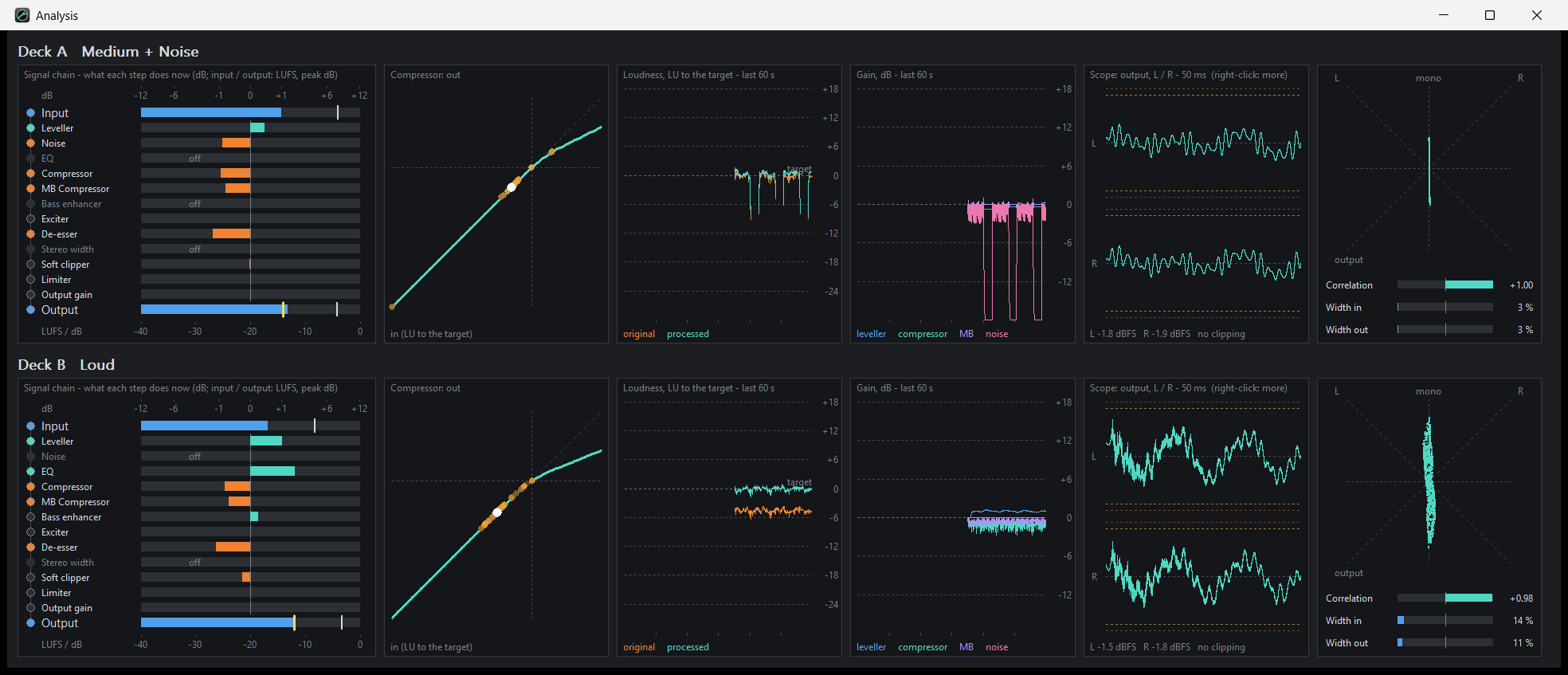
Slow automatic gain to the loudness preset target (EBU R 128 / BS.1770). Holds during fades and short pauses; recovers after silence.
Compressor + MB compressor
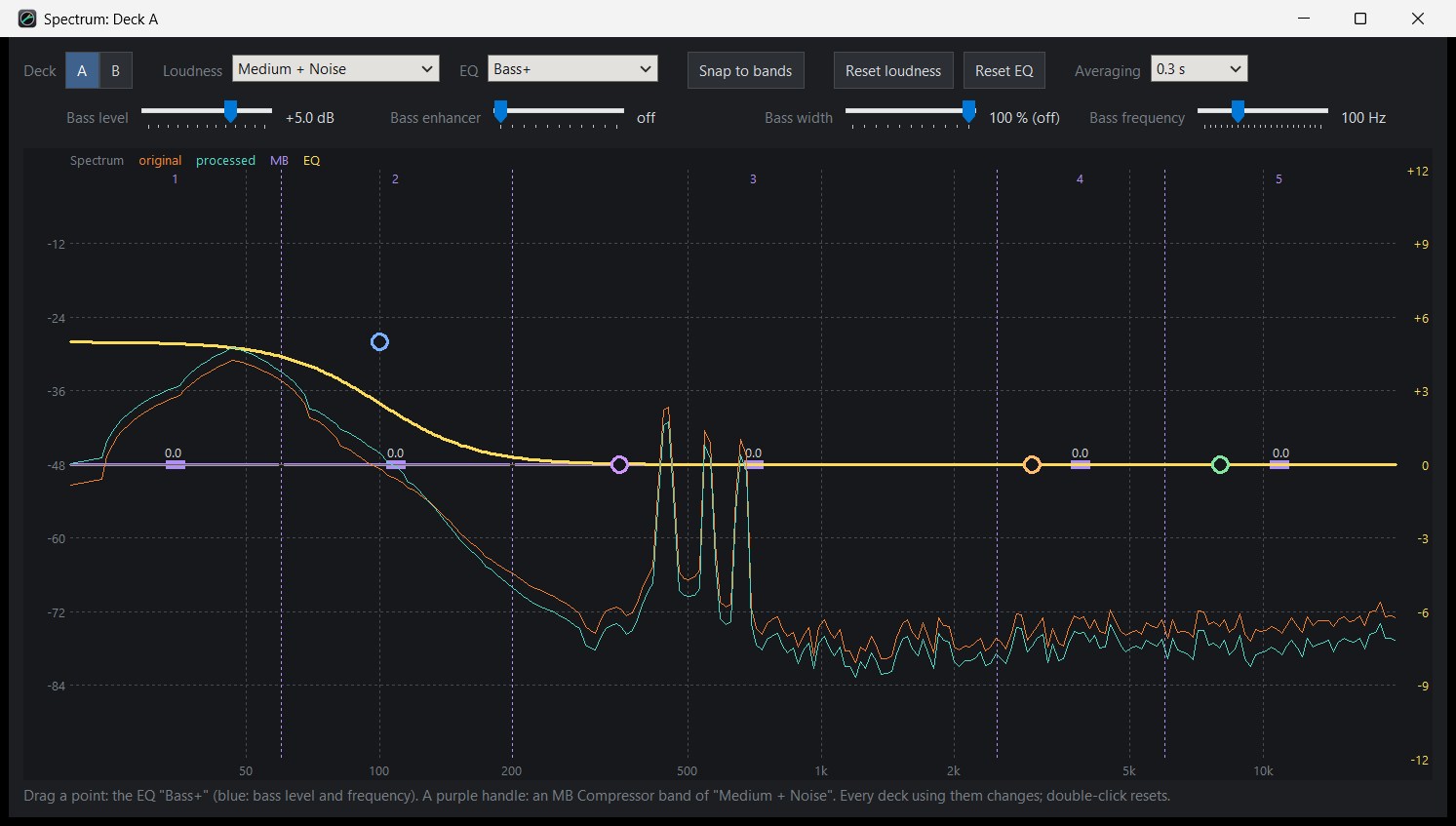
Wide-band soft-knee compressor, then multiband (1–7 bands, flat sum) with per-band recent level.
Tone & shape
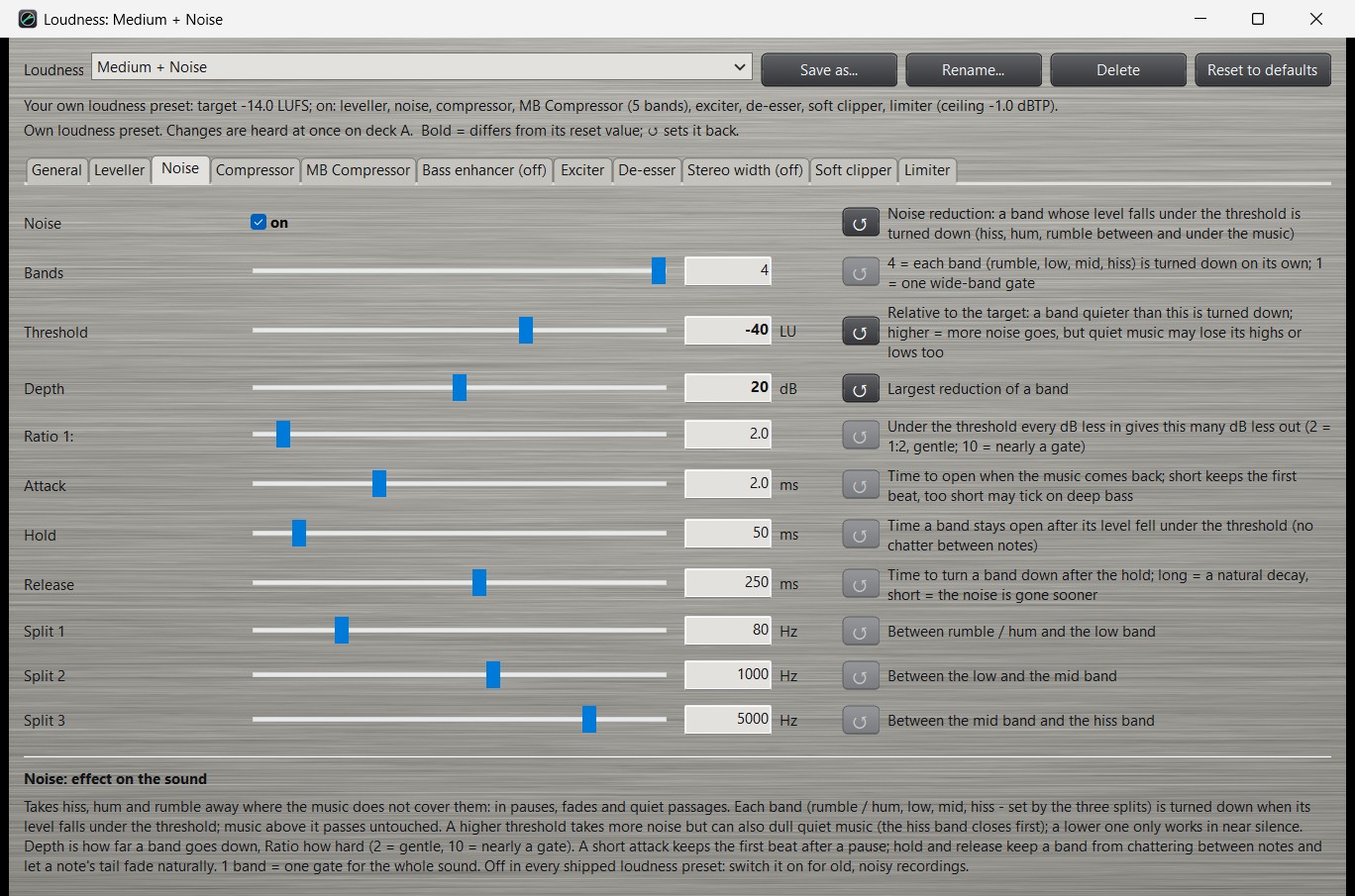
Optional bass enhancer, exciter, de-esser and stereo width, plus a separate EQ (bass, low-mid, presence, treble, Auto, Quiet, …).
True-peak limiter
Soft clipper and look-ahead true-peak limiter so the output stays under the ceiling (default −1 dBTP). Bypass is bit-exact with the same delay.
Screenshots
Download & install
Latest release: DJAP 0.1.316 for Windows 10 / 11 (64-bit).
The installer (DJAP-Setup-<version>.exe) puts DJAP on your PC and, if you choose,
the VST3 plug-in in the system plug-in folder (all-users install).
- Download the latest Setup from GitHub Releases
- Source code repository
- User manual (Markdown / PDF in the repo and installed with the program)
- Technical manual with formulas, measurements and standards references
Requirements: a Windows 10 or 11 PC (64-bit). For live DJ work an ASIO interface is typical; WASAPI, DirectSound and MME are also supported. Free software — no warranty (GPL-3.0-or-later).
FAQ
Is DJAP free?
Yes. DJAP is free software under the GNU GPL version 3 or later. You can use, study, share and improve it. There is absolutely no warranty.
Who is it for?
DJs who want consistent loudness between decks on an ASIO interface, and anyone on Windows who wants one stereo loudness / dynamics chain, a VST3 plug-in in DJ software, or offline WAV rendering with the same presets.
Which audio APIs does it support?
ASIO, WASAPI (shared or exclusive), DirectSound and MME. With ASIO, a deck’s input may also come from a WASAPI / DirectSound / MME device (for example a virtual cable); clock drift is corrected automatically.
What loudness presets are included?
Five general presets from Gentle (−18 LUFS) to Very Loud (−10 LUFS), plus media presets for FM Station, DAB+ (EBU R 128 −23 LUFS) and Web Stream. Every value can be changed; you can save your own presets.
Where do I get help or report a bug?
Open an issue on the GitHub Issues page, or start from the manuals in the repository.
About
DJAP is developed by Heye Haken. Licence: GPL-3.0-or-later. VST and ASIO are registered trademarks of Steinberg Media Technologies GmbH.
Project home on GitHub: github.com/hghaken/DJAP